
Device Group
Monsta allows creating groups in which devices can be registered individually. Devices registered in a group inherit its configurations, such as users, passwords, SNMP data, and these override the global configurations.
Device groups are used to optimize routine tasks, such as applying configurations, granting a user visibility of which devices they have access to, or for a quick overview of the overall status of your registered devices.
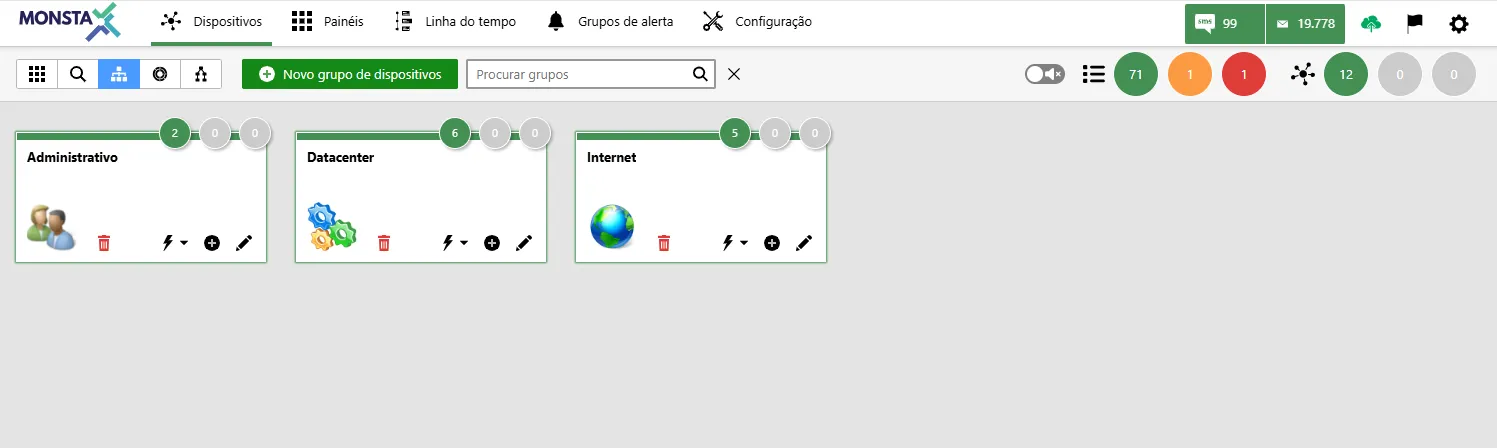


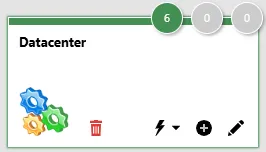
| Ícone | Descrição |
|---|---|
 | Shows the total number of devices registered in the group by status. |
 | Displays the group’s name. |
 | Assigns actions that will be inherited by the group. For more information, see Global Options. |
 | Adds a new device to the selected group. |
 | Opens the group edit screen. |
Add/Edit a device group
Section titled “Add/Edit a device group”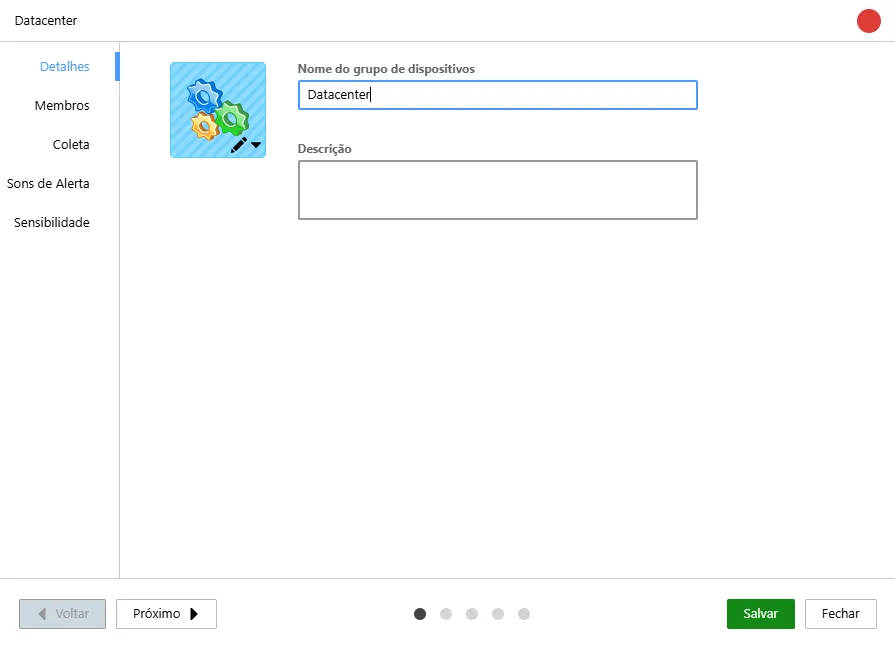
Details
Section titled “Details”Basic information about the group.
| Option | Description |
|---|---|
 | Allows selecting an icon for the group. |
| Device group name | Allows entering a name for the group being edited. |
| Description | A brief comment about the group being edited. |
Members
Section titled “Members”These are the devices that are part of the group.
| Ícone | Descrição |
|---|---|
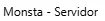 | List of group members. |
 | Adds or removes selected members. |
 | Adds or removes all members. |
Collection
Section titled “Collection”These are the settings for the main discovery methods that will be inherited by the devices that are part of the group. For more information, see Collection.
Alert Sounds
Section titled “Alert Sounds”Configures the alert sounds that will be inherited by the devices that are members of this group. For more information, see Alert Sounds.
Sensitivity
Section titled “Sensitivity”Defines the uptime behavior for the devices that are members of this group. For more information, see Sensitivity.