LM Sensors - Linux
Tutorial aimed at enabling the LM Sensors package on Linux distributions for monitoring through Monsta.
Install and configure the LM Sensors package
Section titled “Install and configure the LM Sensors package”Logged in as root, on the screen of the Linux server to be monitored run the command below:
• For distributions that use yum:
yum install lm_sensors• For distributions that use apt-get
apt-get install lm_sensorsAfter the package is installed, run the command below to detect the sensors present on your server and write the lm-sensors configuration file:
sensors-detect --autoAfter sensor detection finishes, you can display the available items and their readings on the console using the sensors command, as in the example below:
sensorscoretemp-isa-0000
Adapter: ISA adapter
Physical id 0: +25.0°C (high = +82.0°C, crit = +102.0°C)
Core 0: +23.0°C (high = +82.0°C, crit = +102.0°C)
Core 1: +23.0°C (high = +82.0°C, crit = +102.0°C)
it8728-isa-0a30
Adapter: ISA adapter
in0: +0.91 V (min = +2.40 V, max = +0.24 V)
in1: +1.49 V (min = +1.68 V, max = +2.59 V)
in2: +2.94 V (min = +0.04 V, max = +0.18 V)
+3.3V: +3.43 V (min = +4.75 V, max = +3.17 V)
in4: +2.08 V (min = +1.73 V, max = +0.22 V)
in5: +1.06 V (min = +1.58 V, max = +0.01 V)
in6: +2.23 V (min = +0.22 V, max = +1.34 V)
3VSB: +3.26 V (min = +0.05 V, max = +0.91 V)
Vbat: +3.19 V
fan1: 1165 RPM (min = 22 RPM)
fan3: 0 RPM (min = 249 RPM)
fan4: 0 RPM (min = -1 RPM)
fan5: 0 RPM (min = -1 RPM)
temp1: +14.0°C (low = -1.0°C, high = +127.0°C) sensor = thermal diode
temp2: -128.0°C (low = -1.0°C, high = +127.0°C) sensor = disabled
temp3: -78.0°C (low = -1.0°C, high = +127.0°C) sensor = Intel PECI
intrusion0: ALARM
Install the SNMP service
Section titled “Install the SNMP service”See our tutorial at Configuring SNMP on Linux.
Monsta
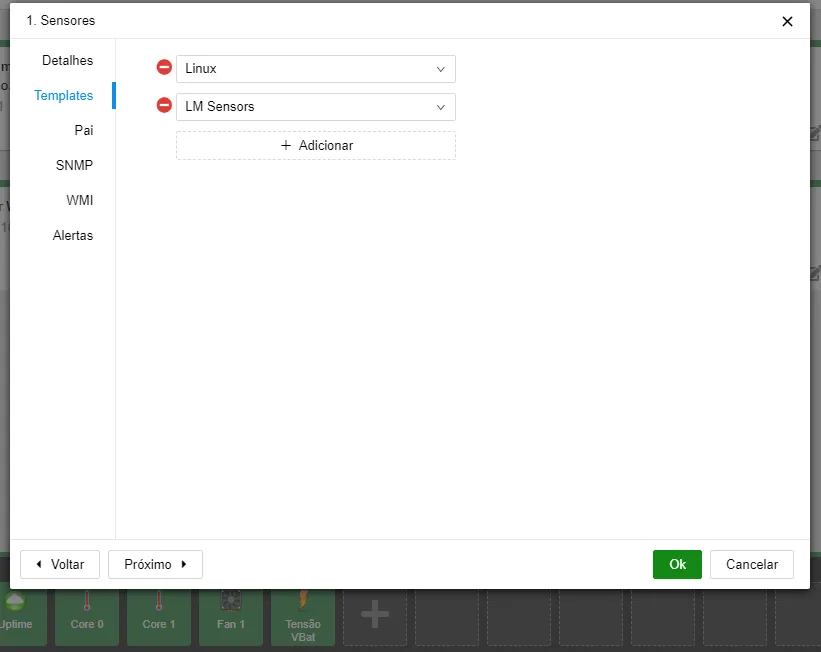
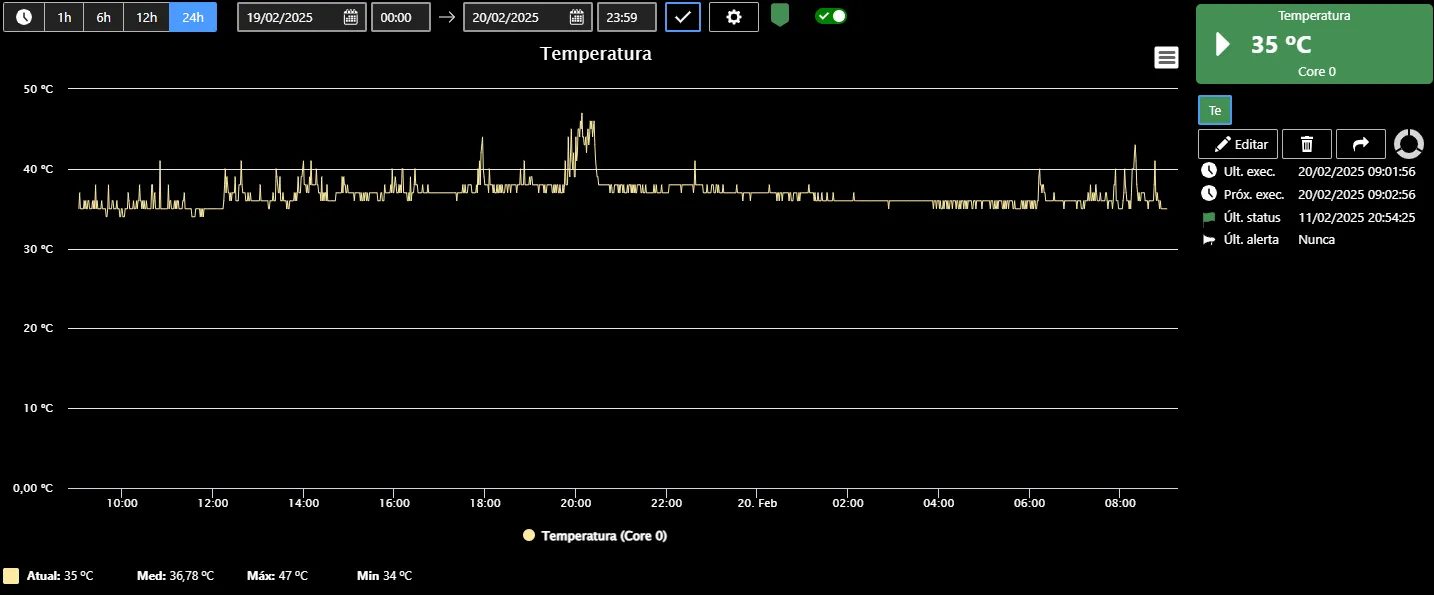
Section titled “Monsta”To monitor the sensors in Monsta, during device creation add the “LM Sensors” template as shown in the example below. This way, when adding a monitor in Monsta the monitors related to LM Sensors will also be shown.