
Update
Keep your software always up to date with the latest version and take advantage of new features, performance improvements and bug fixes.
| Option | Description |
|---|---|
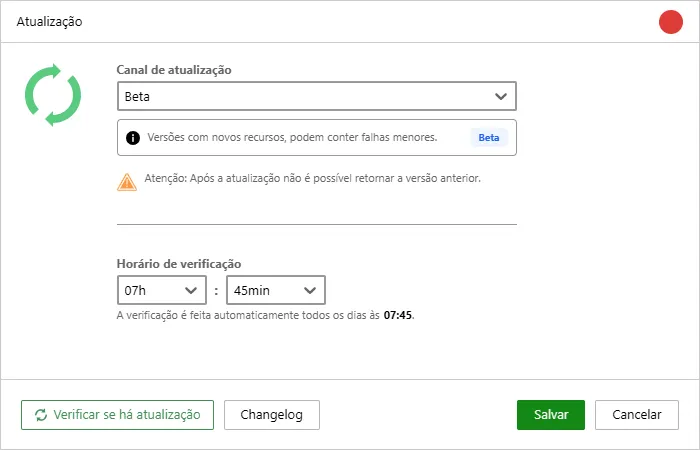
 | We offer two update channels for you to choose from: • Official: This channel is recommended for most users. It provides tested and approved updates, ensuring the stability and security of the software. • Beta: This channel is for users who want to try the latest features first-hand. Beta updates may include new features and improvements, but they can also present some bugs or instabilities. |
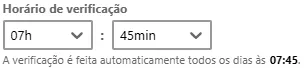 | Check Schedule: Monsta allows you to set a specific time for the automatic daily checking and application of updates. This feature ensures the process runs at times of minimal impact on your network operation. |
 | Manual Check: In addition to automatic scheduling, you can perform an immediate check for new versions at any time. • By clicking this button, Monsta instantly queries the update servers to check for the availability of new versions, temporarily bypassing the configured daily schedule. • Behavior: If a newer version is available, the system will ask whether you want to perform the update. If you are already on the latest version, a message will inform you that the system is up to date. |
 | Change History (Changelog): To follow the news, fixes, and improvements implemented in each system version, you can consult the official changelog at any time directly from the interface. This information is also available at Changelogs. |